





The Complete Geotagging Solution
Geotag Photos Pro is the complete geotagging solution. It consists of a mobile app (for iOS or Android) that records your position while you’re taking great photos and a desktop app that geotags your images using recorded data. All your recorded routes can then be exported as a GPX file via Dropbox, email, or the web. (Click here to learn more)
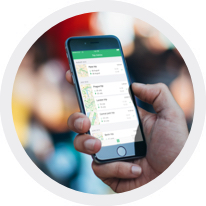
Simple to Use
It doesn't matter if you have a few shots from an afternoon walk or thousands of photos from an annual vacation, geotagging is always easy and always fast.

Ultra-efficient Battery
GPS is widely known for draining your battery, but a number of power savings mechanisms within Geotag Photos Pro ensures your battery will run the entire day.
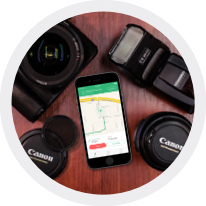
Custom Settings at Your Fingertips
Choose the logging interval and accuracy for whatever you need. Thanks to the wide range of settings available within Geotag Photos Pro it has become an essential part of the workflow of many professional photographers.
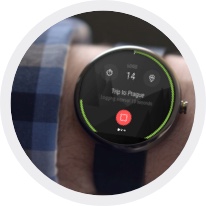
Compatibility with smart wearables
Geotag Photos Pro is compatible with mostly used smart wearables as Apple Watch, Android Wear and Pebble Watches. You can start or stop your recording, change logging interval or log current position directly from your wrist.(Click here to learn more)
Flawless Lightroom Compatibility
GPX files from the app work flawlessly inside Lightroom’s Map module for geotagging; and, in addition to the export process to Dropbox taking mere seconds, is another reason why leading Lightroom experts repeatedly recommended Geotag Photos Pro. (Click here to learn more)
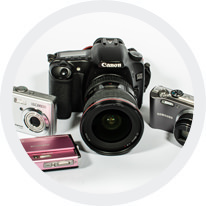
Works with any digital camera
Whether you have a DSLR, a Mirrorless or compact point-and-shoot camera, Geotag Photos Pro will enrich your photos with your GPS location. JPEG and the majority of RAW files formats are supported.